AI, Power of AI, Analytics
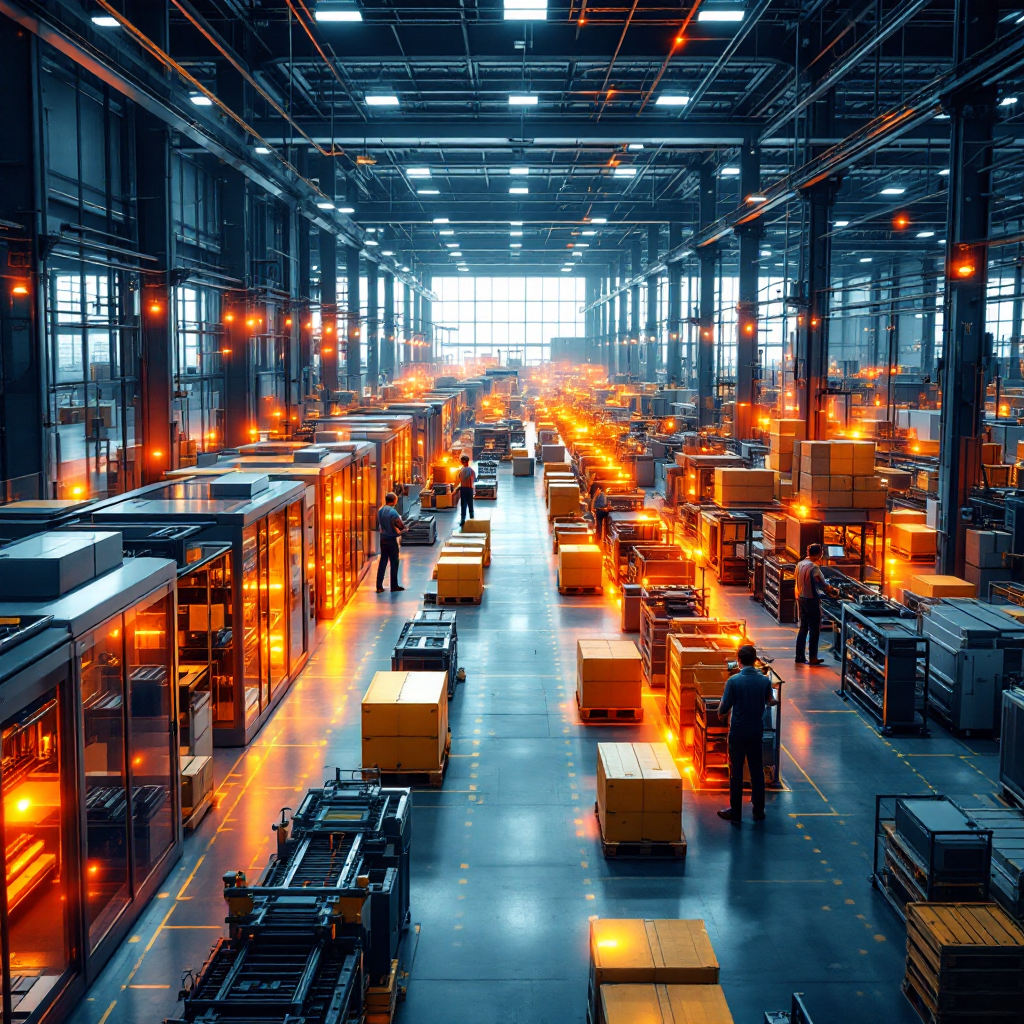
AI in manufacturing refers to systems that detect patterns, predict failures, and guide decisions on processing lines. In practice, AI ingests sensor feeds, camera streams, and PLC logs to offer timely alerts and recommendations. The power of AI lies in its ability to process vast amounts of data from many sources and turn them into clear guidance that operators can trust. For example, Visionplatform.ai turns existing CCTV into an operational sensor network so that teams can reuse video as operational data for KPIs and OEE dashboards. This approach helps teams make data-driven decisions to optimize production without sending data off-site.
Analytics convert raw signals into metrics like cycle time, idle time, and throughput. Good analytics tools fuse video events, machine telemetry, and shift rosters to produce a single source of truth. As a result, production managers can compare lines, shift performance, and equipment health instantly. For context, advanced visualization platforms have shown improvements in line efficiency of up to 20-30% through automated adjustments and predictive alerts (source).
AI systems make data more accessible and they speed up root-cause work. They do this by indexing video and tagging objects so that older footage becomes searchable and useful. This capability reduces investigation time, and it frees teams to act instead of search. Also, by combining camera detections with PLC alarms, systems provide a fuller view of production events. In short, AI plus analytics move factories from reactive firefighting to proactive management.
Finally, consider compliance and control. Visionplatform.ai keeps models on-premise or at the edge so data stays in your environment. That design supports GDPR and EU AI Act concerns while still enabling powerful analytics for operations and security. For teams that want to use ai without losing control over data, this hybrid approach balances capability with compliance.
Heatmaps, Heatmap, Heatmaps Work
Heatmaps are color-coded representations that show where activity concentrates. In factories, heatmaps translate people flow, machine use, and material movement into an immediate visual summary. Essentially, heatmaps work by aggregating events over time and then representing data density with warm-to-cool colors. This representation of data helps teams spot high-traffic zones, repeated stoppages, and underused equipment at a glance.
On the shop floor, heatmaps use camera events and sensor logs to generate overlays on facility plans or video frames. For instance, occupancy heatmaps can reveal chokepoints at assembly stations, and process heatmaps can show where parts pile up between work cells. Heatmaps help operations staff identify areas that need layout changes, staffing adjustments, or preventive maintenance. For more examples of occupancy-focused deployments, see Visionplatform.ai’s heatmap occupancy analytics in airports to understand how spatial analytics apply across high-traffic sites (heatmap occupancy analytics).
Heatmaps use time-windowed aggregation and smoothing to reduce noise and show trends. They can run in real-time to reveal transient bottlenecks, or they can run on historical data for shift-by-shift comparison. A critical advantage is simplicity: operators do not need to read tables or complex charts. Instead, they respond to visual cues. Also, tools like camera-as-sensor platforms make it feasible to overlay heatmaps on live feeds so that supervisors can act immediately.
For production teams, heatmaps simplify communication. A heatmap snapshot during a brief standstill communicates more than pages of logs. Heatmap generation ties together visual insights with discrete events so that teams understand both the where and the why. As one report puts it, “AI heatmaps transform complex sensor data into actionable insights, allowing production managers to see exactly where inefficiencies lie and act swiftly to resolve them” (source).
AI vision within minutes?
With our no-code platform you can just focus on your data, we’ll do the rest
AI-Powered, AI Heatmaps, Use AI
AI-powered platforms add context to heatmaps by classifying objects, counting parts, and linking events to machines. These systems combine video detections with machine telemetry to produce AI heatmaps that update continuously. In practice, you use AI to turn raw camera frames into structured events such as person detected, vehicle present, or part queued. Those events then feed the heatmap layer so that the map represents both motion and meaning.
Features of modern line-monitoring platforms include object classification, time-series aggregation, and automated alerting. They also offer model tuning on your footage so that detections match site-specific objects. Visionplatform.ai, for example, lets teams pick models from a library or improve them with their own classes so that analytics fit the site and not a vendor’s generic view. This flexibility reduces false detections and keeps processing local, which helps with GDPR and the EU AI Act compliance goals.
Contrast this with older visualization methods that relied on manual logs and static charts. Traditional dashboards show numbers; AI heatmaps show patterns. While charts need interpretation, heatmaps provide intuitive spatial context. You can also combine charts and heatmaps to get both numbers and location-based insight. To generate real-time efficiency reports, start by defining key events, stream detections to an analytics engine, and map event density onto a plant layout. Tools to optimize typically offer APIs or MQTT streams so that heatmaps power BI, SCADA, and operational dashboards.
Finally, use heatmaps to identify user behavior that affects throughput, such as workarounds or route choices. When you analyze user behavior with camera-derived events, you can quantify the impact of human flows on cycle time. For technical teams, integrating models with VMS systems and publishing events via MQTT makes the heatmap data actionable across business systems and security stacks.
Data Analysis, Optimization, Optimize
Data analysis for production lines combines event streams, timestamps, and contextual metadata to reveal inefficiencies. Start by collecting consistent data values from cameras, PLCs, and ERP triggers. Then, apply data cleaning and correlation so that camera events align with machine states. This comprehensive data analysis allows you to identify patterns in stoppages, shift variability, and supply delays.
Once patterns surface, apply optimization techniques. Simple steps include balancing workloads, reallocating staff, or changing conveyor speeds. More advanced moves use predictive analytics and machine learning algorithms to forecast failures and schedule maintenance before a fault halts production. Studies report that predictive insights from heatmap-linked analytics can reduce unplanned downtime by 15-20% by forecasting equipment issues (source).
To optimize a workflow, follow a repeatable process: collect data, visualize hotspots, run root-cause analysis, implement changes, and measure the effect. Use controlled experiments to ensure that a change improves output. Also, make sure to capture both quantitative and qualitative feedback so that teams see the benefits. For example, combining people-counting events with workstation cycle time can uncover staffing mismatches; Visionplatform.ai’s people-counting integrations show how camera events translate to headcount KPIs (people counting).
Optimization is iterative. After a change, heatmaps will show new distributions. Those results feed the next round of analysis until performance stabilizes at a higher level. Remember that improving one part of the line can shift pressure elsewhere, so use comprehensive data analysis to avoid unintended consequences. Finally, maintain an audit trail of model changes and data extracts to ensure traceability and to support continuous improvement.
AI vision within minutes?
With our no-code platform you can just focus on your data, we’ll do the rest
Visualization, Conversion, Conversion Rate
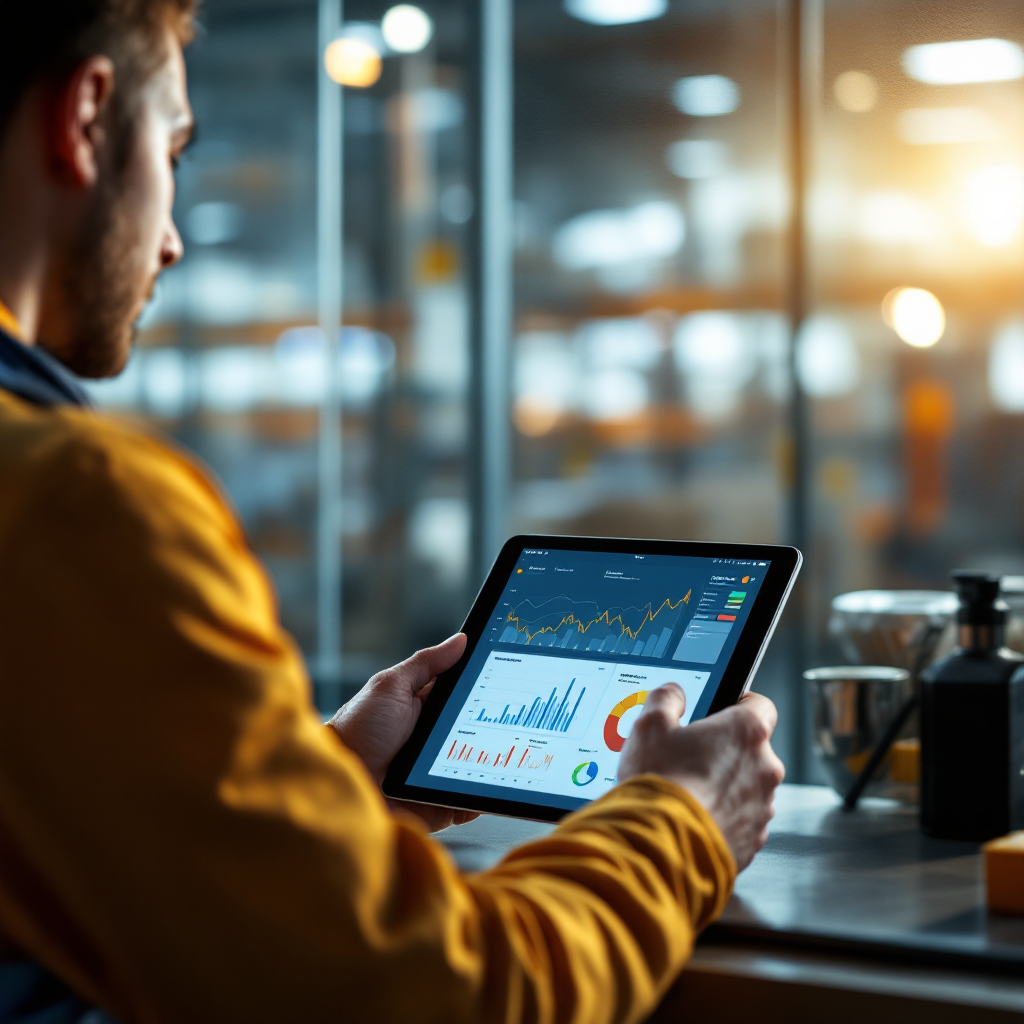
Visualization supports fast decisions by translating complex metrics into clear images. When an operator sees a red hotspot on a floor map, they know where to look. Visualization also reduces cognitive load and shortens response times. For processing lines, visual outputs tie directly to conversion metrics such as parts per hour and first-pass yield.
Conversion in manufacturing maps to how many raw inputs become finished parts in a given time. A higher conversion rate indicates smoother flow and fewer rejects. Tools that visualize performance let teams compare conversion by station, by shift, and by SKU. For instance, click heatmaps and scroll heatmaps are familiar on websites, but on the floor, similar visual summaries show where parts pause, where manual rework occurs, and where idle time builds up. Digital experience analytics techniques inform how to present this data so stakeholders can act quickly.
One case study shows a mid-size plant increased throughput by up to 30% after adopting AI-driven visualization and heatmaps that aligned operators to the most effective actions (source). The project combined camera detections, line speeds, and changeover times to deliver a dashboard that linked heatmap hotspots to conversion outcomes. By addressing the few stations with the largest negative impact, managers achieved measurable gains.
Visualization also supports cross-functional communication. Engineers, supervisors, and plant managers can view the same heatmap and talk about specific cells instead of abstract percentages. This shared view speeds decisions and helps teams make informed decisions that reduce cycle time. For facilities that need to monitor both security and operations, integrating detection feeds into operational dashboards keeps alerts usable beyond alarms and into continuous production improvement.
AI-Powered Heatmaps, Conversion Rate Optimization
Integrating ai-powered heatmaps into KPI frameworks ties spatial insights to financial outcomes. Start by mapping heatmap zones to stations and assigning conversion metrics to each zone. Then, set alert thresholds and create automated reports that correlate hotspots with throughput, scrap, and downtime. This alignment makes it clear where to focus continuous improvement efforts.
Strategies for conversion rate optimization include targeted maintenance, operator training, and layout tweaks. Use predictive analytics capabilities to identify equipment that will fail, then schedule interventions during planned downtime. Also, apply deeper insights from advanced data visualization to test staffing scenarios and to optimize material flow. The result is fewer stoppages and better parts-per-hour performance. Industry reports highlight throughput improvements up to 30% when teams apply these techniques and tools to line operations (source).
AI-powered analytics can automatically generate daily recovery plans by prioritizing the highest-impact bottlenecks. These plans rely on real-time analytics and on historical patterns so that teams act where they can change outcomes. For facilities already using cameras and VMS, adding a heatmap solution that publishes structured events makes it easier to operationalize vision data. Visionplatform.ai streams events via MQTT so that heatmaps feed BI, SCADA, and dashboards without vendor lock-in, and while keeping data local for compliance.
Finally, measure ROI by tracking throughput, downtime reduction, and maintenance savings. Typical gains include a 25% reduction in bottlenecks and a 15-20% decrease in unplanned downtime when teams apply AI insights to scheduling and maintenance (source), and processing speed improvements by up to 10x when switching from manual analytics to AI-based visualization engines (source). Together, these gains justify investment in ai-powered heatmaps as a powerful tool for smarter operations.
FAQ
What is an AI heatmap and how does it help production lines?
An AI heatmap is a color-coded overlay driven by camera or sensor events that shows where activity concentrates on the shop floor. It helps teams spot bottlenecks and high-usage areas so they can target improvements and reduce downtime.
How quickly can heatmaps provide real-time insights?
Heatmaps can provide real-time insights as soon as events stream into the analytics engine, often within seconds for on-prem deployments. When systems run at the edge they can provide real-time analytics without cloud latency.
Can I use existing CCTV cameras for heatmap generation?
Yes, many platforms turn existing CCTV into operational sensors so you can generate heatmaps without new hardware. Visionplatform.ai, for example, works with ONVIF/RTSP cameras and popular VMS systems to reuse footage safely.
Do AI heatmaps require cloud processing?
No, heatmaps can run on-prem or at the edge to keep data local and to meet compliance needs. On-prem options also reduce bandwidth and latency while supporting EU AI Act readiness.
What metrics should I track with heatmaps to improve conversion rate?
Track parts-per-hour, cycle time, idle time, and queue length by zone. Correlate these metrics with heatmap hotspots to prioritize interventions that will lift conversion rate.
Can heatmaps predict equipment failures?
Heatmaps alone do not predict failures, but when combined with predictive analytics and machine learning algorithms they can help flag unusual behavior that precedes faults. This combined approach reduces unplanned downtime.
How do AI platforms handle false detections?
Modern platforms allow model tuning on your own footage, which reduces false detections over time. They also offer flexible model strategies so you can pick, improve, or build models that match site specifics.
Are heatmaps useful for safety as well as operations?
Yes, heatmaps reveal unsafe congestion, unauthorized access, and patterns that lead to slips or trips. When fused with PPE detection and process anomaly alerts, they support both safety and performance goals.
How much improvement can I expect after deploying AI heatmaps?
Results vary, but studies show potential gains such as a 25% reduction in bottlenecks, a 15-20% decrease in unplanned downtime, and throughput increases up to 30% when analytics and heatmap-driven changes are applied (source). These figures reflect combined improvements from visualization, predictive maintenance, and workflow changes.
Where can I learn more about integrating heatmaps with existing systems?
Look for vendors that support common VMS integrations and MQTT or webhooks so that events feed BI and SCADA systems. For a practical example of camera-based analytics feeding operational dashboards, see Visionplatform.ai’s process anomaly detection and people-counting resources (process anomaly detection, people counting).